 Etsy
EtsyExport Etsy Reviews to CSV & Excel
Export the reviews of any Etsy shop to CSV, Excel or JSON. Rating, text, date, reviewer name, item purchased and the shop reply, exported locally.
Launching soon. Read the guides below to get ready.
Exporting Etsy reviews to CSV lets shop owners and researchers read buyer feedback as data. The export captures the rating, review text, date, reviewer name, the item purchased, attached photos and the shop reply, so you can monitor quality across a whole shop instead of one listing.
From Etsy page to spreadsheet, live
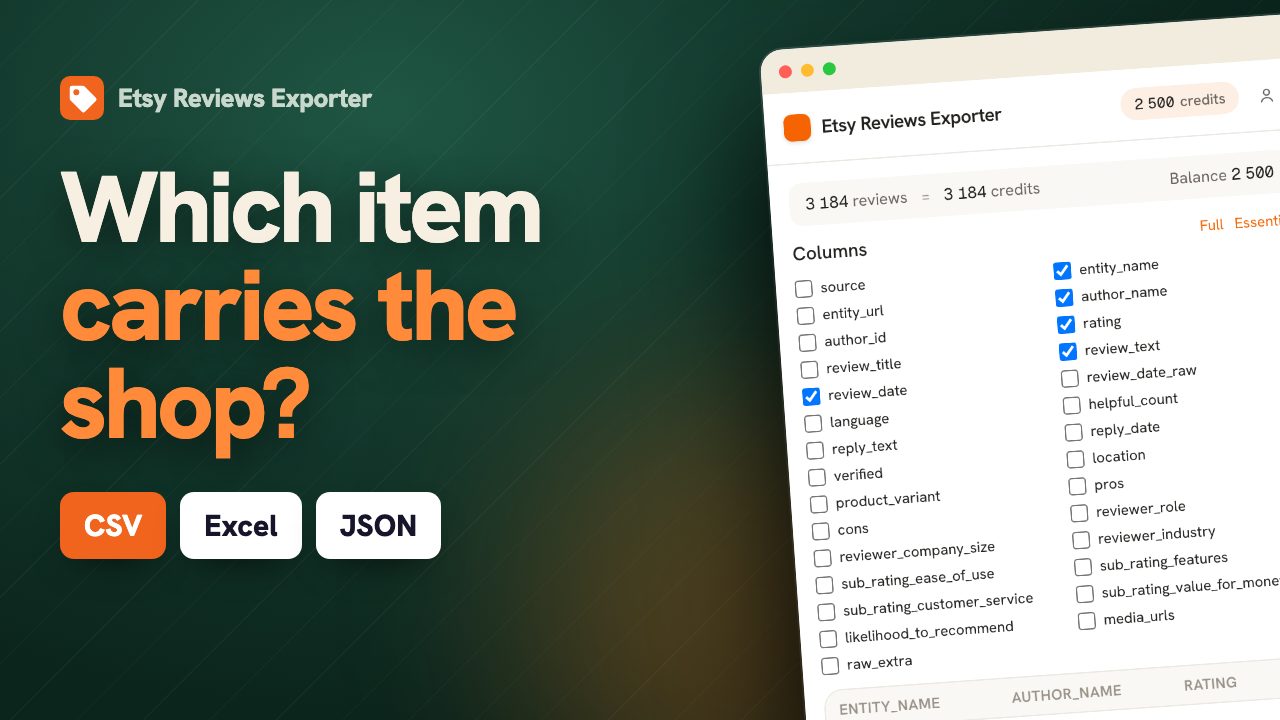
Which listing is dragging the shop down
An Etsy shop rating averages every listing together, which flatters a shop with one weak product and punishes a shop that sells one difficult item alongside twenty good ones. Either way the number is not actionable, because it does not name anything. Etsy attaches the item purchased to each review, so an export can put the rating back where it belongs: on the listing. Sellers use it to find the product that keeps drawing three-star reviews about sizing or packaging, which is usually one item and usually not the one they suspected. Researchers use it the other way round, to see which products in a category actually satisfy buyers before deciding what to make. The shop reply is in the export too, so you can see which complaints were answered and which were left standing.
| Item | Reviews | Average | Replied |
|---|---|---|---|
| Ceramic mug, glazed | 148 | 4.9 | 62% |
| Linen tote bag | 91 | 4.8 | 55% |
| Enamel pin set | 37 | 3.4 | 19% |
Export Etsy reviews in three steps.
Open a Etsy review page
Browse to the Etsy page whose reviews you want. You stay logged in with your own session.
Click the ExportReviews icon
The side panel detects the page, shows the entity and the number of reviews, and lets you pick filters.
Preview, then export
Reviews load into a live preview. Export to CSV, Excel (XLSX), JSON in one click, generated locally.
Fields exported from Etsy.
Only fields Etsy actually exposes, to CSV, Excel (XLSX), JSON. We never invent data.
Why export Etsy reviews.
On Etsy, reviews and photos carry the buying decision. Pulling them into a spreadsheet lets you monitor product quality, audit a shop’s reputation over time, and study the photo reviews that shoppers trust most.
Monitor product quality
Group feedback by item to catch the listing that keeps drawing complaints.
Audit shop reputation
Track rating trend and reply coverage across every product in the shop.
Analyse photo reviews
Filter for reviews with photos, the strongest social proof on a listing.
Built for Etsy sellers, handmade brands and product researchers.
What the analysis reads on Etsy.
Etsy attaches the item purchased to each review. A shop rating averages every listing together; the panel breaks it back down and names the item pulling the shop down.
- Average and volume per item, lowest first.
- Reply coverage across the shop.
- What buyers keep bringing up, separated between the good and the bad reviews.
One balance across every exporter.
1 credit = 1 row. Start free, no account. Credits never expire.
Insights
$14.99/moThe full analysis of the reviews you extract: what stands out, the breakdown by segment and by criterion, the recurring themes, and a shareable report you can export.
Adds to any plan and does not replace one: Insights analyses, it does not export rows. Everything is computed on your own machine. Included in Agency.
Etsy export, answered.
Does the export say which item each review is about? +
Yes, and it is the reason to export from Etsy at all. A shop rating averages every listing together; the item column puts the score back on the product, which is what makes the weak listing findable.
Can I export the reviews of a single product page? +
The exporter targets the shop reviews page, which covers every listing in the shop and carries the item on each review. Product-page reviews load through in-page interaction that the extension does not drive, so the shop page is both the more complete and the more reliable route.
Are shop replies included? +
Yes, as their own column. Combined with the item column, it shows not just which listing draws complaints but whether anyone answered them, which is usually the more damaging half.
How do I export Etsy reviews to CSV? +
Install the ExportReviews extension, open a Etsy review page, click the icon, then click Export CSV. The file is built in your browser.
Where does my data go? +
Nowhere. Extraction happens in your browser and the export file is generated locally. The backend only tracks export credits, never review content.
Which formats are supported? +
CSV, Excel (XLSX), JSON. CSV uses a UTF-8 BOM so accents and emoji open correctly in Excel.
Is there a free tier? +
Yes. The first 25 exported rows are free, without an account. Credits bought afterwards do not expire and are shared across every ExportReviews exporter.


