 Yelp
YelpExport Yelp Reviews to CSV & Excel
Export the reviews of any Yelp business to CSV, Excel or JSON. Rating, text, date, reviewer name and city, and useful votes, exported locally.
Launching soon. Read the guides below to get ready.
Exporting Yelp reviews to CSV gives local and service businesses the detail behind their rating. Each review comes across with its rating, text, date, reviewer name and location, useful votes and the reviewer city, ready to sort, filter and report on.
From Yelp page to spreadsheet, live
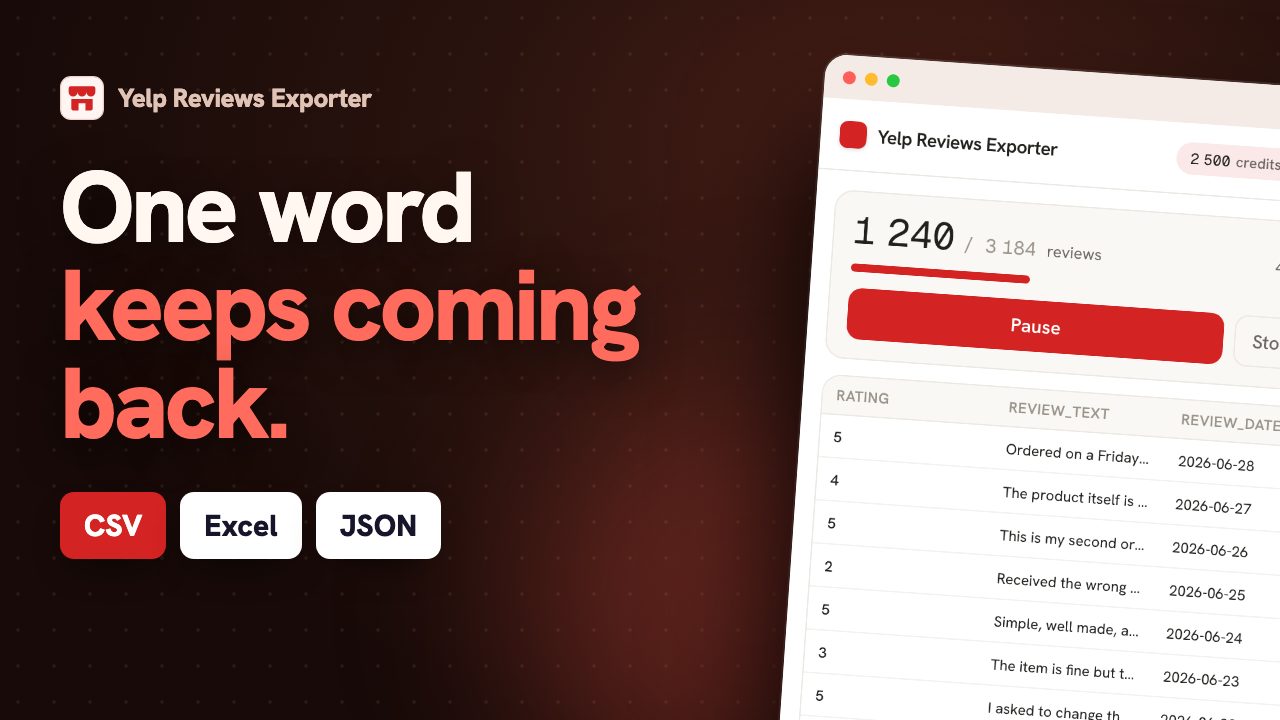
Same brand, different streets
A Yelp page is about one address. For anyone running more than one, that is the problem: the brand is judged as a whole while the experience is delivered per location, and head office usually finds out from a franchisee, late. Exporting each location's reviews into one spreadsheet turns an anecdote into a ranking, and the ranking is rarely the one people expect. Yelp reviews carry a date and the reviewer's own city, so beyond the comparison you get a trend per branch and the complaints that repeat at one address and nowhere else. Those are the actionable ones: a wait-time problem at a single site is a staffing decision, while the same complaint everywhere is a process decision. The export is what tells the two apart.
| Location | Reviews | Average | vs brand |
|---|---|---|---|
| Downtown | 214 | 4.5 | +0.3 |
| Airport | 156 | 4.2 | 0.0 |
| Riverside | 98 | 3.4 | -0.8 |
Export Yelp reviews in three steps.
Open a Yelp review page
Browse to the Yelp page whose reviews you want. You stay logged in with your own session.
Click the ExportReviews icon
The side panel detects the page, shows the entity and the number of reviews, and lets you pick filters.
Preview, then export
Reviews load into a live preview. Export to CSV, Excel (XLSX), JSON in one click, generated locally.
Fields exported from Yelp.
Only fields Yelp actually exposes, to CSV, Excel (XLSX), JSON. We never invent data.
Why export Yelp reviews.
Yelp is a decisive channel for restaurants, trades and service businesses. Exporting the reviews lets you monitor service quality over time, understand where your reviewers come from, and keep an eye on how you respond to criticism.
Monitor service quality
Track rating trend and recurring themes so a slipping location shows up early.
Understand your reviewers
Use reviewer location and useful votes to weight which feedback carries the most reach.
Track responses
Find negative reviews left without a reviewer city and close the gap.
Built for restaurants, local services and multi-location brands.
What the analysis reads on Yelp.
Yelp reviews carry the reviewer's city and a date. Across several businesses, that gives a comparison by location; on one business, it gives a rating trend and the complaints that repeat.
- The recurring complaints, in the customers' words.
- Rating trend, when the dates are precise enough to place a month.
- Comparison by location when you export more than one business.
One balance across every exporter.
1 credit = 1 row. Start free, no account. Credits never expire.
Insights
$14.99/moThe full analysis of the reviews you extract: what stands out, the breakdown by segment and by criterion, the recurring themes, and a shareable report you can export.
Adds to any plan and does not replace one: Insights analyses, it does not export rows. Everything is computed on your own machine. Included in Agency.
Yelp export, answered.
Can I export reviews for several Yelp businesses? +
One page at a time, because the extension reads the page you have open. For a multi-location brand, exporting each business separately and combining the files is the normal workflow and the only way to compare branches side by side.
Does the export include reviews Yelp has filtered out? +
No. The export reads what the page shows you, so anything Yelp does not display is not in the file. That is a real limit and worth knowing before you treat the export as a complete record of feedback.
Is the reviewer's location included? +
Yes, when Yelp shows it. On a business drawing customers from several neighbourhoods or from out of town, that column separates local regulars from visitors, and the two rarely complain about the same things.
How do I export Yelp reviews to CSV? +
Install the ExportReviews extension, open a Yelp review page, click the icon, then click Export CSV. The file is built in your browser.
Where does my data go? +
Nowhere. Extraction happens in your browser and the export file is generated locally. The backend only tracks export credits, never review content.
Which formats are supported? +
CSV, Excel (XLSX), JSON. CSV uses a UTF-8 BOM so accents and emoji open correctly in Excel.
Is there a free tier? +
Yes. The first 25 exported rows are free, without an account. Credits bought afterwards do not expire and are shared across every ExportReviews exporter.


