 Trustpilot
Export Trustpilot Reviews to CSV & Excel
Export any Trustpilot review page to CSV, Excel (XLSX) or JSON in one click, directly in your browser. No copy-paste, no server, your data never leaves your device.
Exporting Trustpilot reviews to CSV or Excel turns a scrolling list of star ratings into a dataset you can actually work with. Instead of reading a company profile page by page, you pull every review Trustpilot shows you, with its rating, experience date, country and the reviewer city into a single spreadsheet, ready for pivot tables, sentiment scoring or a shared report.
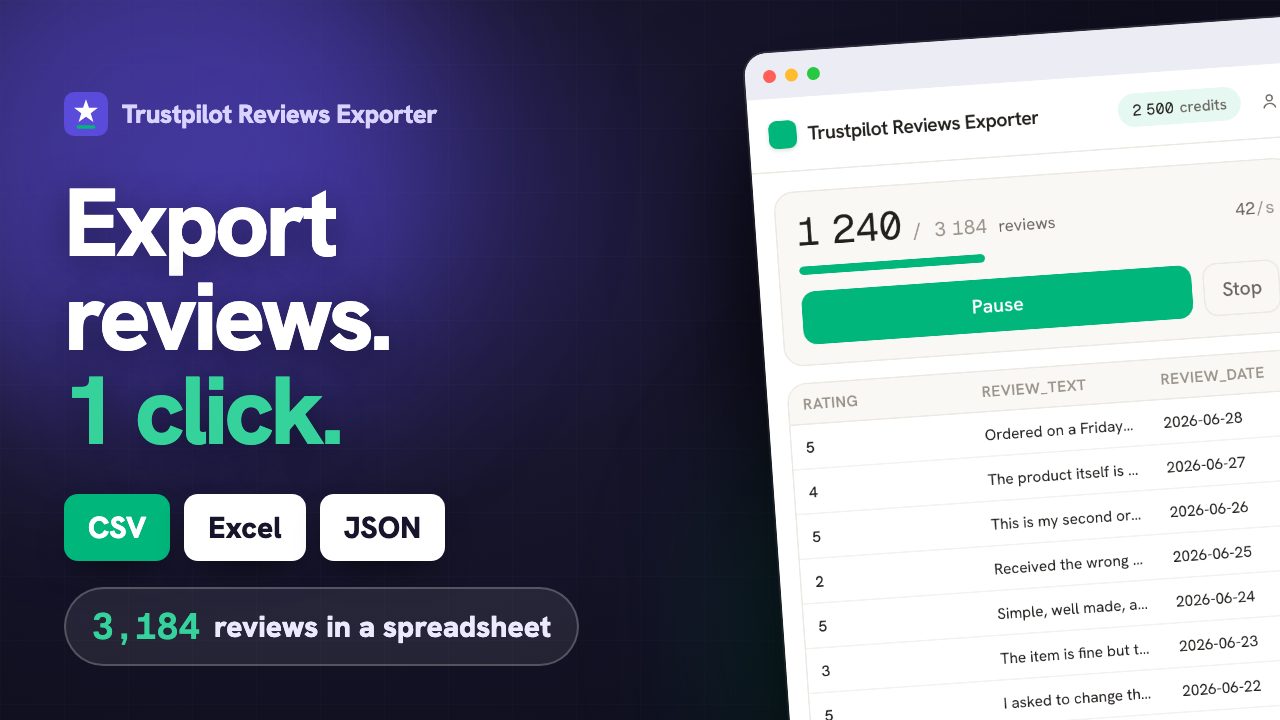
From Trustpilot page to spreadsheet, live
A Trustpilot profile is a timeline, not a score
The number at the top of a Trustpilot page is an average of everything ever written, which means it moves slowly and hides recent change almost perfectly. A company can ship a bad batch, lose a warehouse partner or change its support provider and keep a 4.4 for months while every new review says otherwise. Exported month by month, the same reviews say it immediately. Trustpilot publishes an experience date on each review, a country, a verified flag and the company's own reply, which is enough to answer three questions the profile page will not: when did it turn, is it still turning, and did anyone answer. That last column matters more than people expect. Reply coverage is the cheapest reputation signal there is, and it is the one most companies cannot report on because nobody counts it.
| Month | Reviews | Average | Replied |
|---|---|---|---|
| 2026-02 | 61 | 4.6 | 78% |
| 2026-03 | 58 | 4.5 | 74% |
| 2026-04 | 66 | 3.9 | 41% |
| 2026-05 | 72 | 3.6 | 38% |
Export Trustpilot reviews in three steps.
Open a Trustpilot review page
Browse to the Trustpilot page whose reviews you want. You stay logged in with your own session.
Click the ExportReviews icon
The side panel detects the page, shows the entity and the number of reviews, and lets you pick filters.
Preview, then export
Reviews load into a live preview. Export to CSV, Excel (XLSX), JSON in one click, generated locally.
Fields exported from Trustpilot.
Only fields Trustpilot actually exposes, to CSV, Excel (XLSX), JSON. We never invent data.
Why export Trustpilot reviews.
Trustpilot is where a lot of buyers decide whether to trust a brand, so its reviews are a primary signal for e-reputation work. Having them in a spreadsheet lets you measure how sentiment moves over time, compare your profile against a competitor line by line, and check how consistently your team replies.
Track brand sentiment over time
Chart ratings by month to see whether a product change, incident or campaign moved the needle.
Benchmark competitors
Export a rival Trustpilot page and compare rating distribution, complaint themes and reply coverage side by side.
Audit your responses
Filter for reviews without a company reply, or low-star reviews, to find gaps in your service recovery.
Built for e-commerce teams, brand and reputation managers, and analysts.
What the analysis reads on Trustpilot.
Trustpilot exposes experience dates, countries, verified status and company replies. That is enough for the panel to plot the rating month by month, tell you whether verified reviews score differently from the rest, and measure how much of your feedback ever got an answer.
- Month-by-month curve, so a drop shows up as a drop and not as a feeling.
- Reply coverage: the share of reviews that actually received an answer.
- The gap between verified and unverified ratings, when the profile carries both.
One balance across every exporter.
1 credit = 1 row. Start free, no account. Credits never expire.
Insights
$14.99/moThe full analysis of the reviews you extract: what stands out, the breakdown by segment and by criterion, the recurring themes, and a shareable report you can export.
Adds to any plan and does not replace one: Insights analyses, it does not export rows. Everything is computed on your own machine. Included in Agency.
Learn Trustpilot review export.
Is It Legal to Export Trustpilot Reviews? What Actually Matters
Public does not mean unrestricted. What platform terms, copyright and the GDPR each say about exporting Trustpilot reviews, and the practical habits that keep you out of trouble.
GuideTrustpilot API vs Browser Export: Which One Do You Actually Need?
The Trustpilot API and a browser exporter solve different problems. A clear comparison of cost, coverage, maintenance and what each one can and cannot reach.
GuideHow to Export Trustpilot Reviews to CSV (2026 Guide)
A step-by-step guide to export any Trustpilot company page's reviews to CSV or Excel, with ratings, dates, countries and company replies, without copy-paste.
GuideTrustpilot Review Export Formats Explained (CSV, Excel, JSON)
Which format should you pick when exporting Trustpilot reviews? A practical comparison of CSV, Excel (XLSX) and JSON, including the separator trap that turns a good CSV into one broken column.
Trustpilot export, answered.
Can I export a competitor's Trustpilot page? +
Yes. The extension reads the page you have open, so any public Trustpilot company profile works the same way as your own. That is the normal use for benchmarking. What you should not do is republish reviewer names or build a file about named individuals; work at the level of themes and rates, which is what the export is designed for.
Does the export keep the experience date or the publication date? +
Both, in separate columns. Trustpilot shows a review date and the date of the experience being described, and they routinely differ by weeks. Charting by publication date when you meant experience date is how a service incident ends up plotted in the wrong month.
How many Trustpilot reviews can I export? +
Every review Trustpilot shows you, page after page, with no cap of our own. The extension works in your browser session, so it sees what you see: if Trustpilot asks you to log in to see further pages, which it does for visitors who are not signed in once they pass page 10, the panel tells you and keeps everything already read.
Can I tell which reviews the company replied to? +
Yes, the company reply is its own column, empty when there was none. That is what makes reply coverage measurable: filter for empty replies, or for low ratings without a reply, and you have your service-recovery gap in one sort.
How do I export Trustpilot reviews to CSV? +
Install the ExportReviews extension, open a Trustpilot review page, click the icon, then click Export CSV. The file is built in your browser.
Where does my data go? +
Nowhere. Extraction happens in your browser and the export file is generated locally. The backend only tracks export credits, never review content.
Which formats are supported? +
CSV, Excel (XLSX), JSON. CSV uses a UTF-8 BOM so accents and emoji open correctly in Excel.
Is there a free tier? +
Yes. The first 25 exported rows are free, without an account. Credits bought afterwards do not expire and are shared across every ExportReviews exporter.


