G2
G2Export G2 Reviews to CSV & Excel
Export software reviews from any G2 product page to CSV, Excel or JSON. Rating, pros and cons, reviewer role, company size and industry, for market research.
Launching soon. Read the guides below to get ready.
Exporting G2 reviews to CSV or Excel is a fast way to run software competitive intelligence. The export keeps the rating, review title, the pros and the cons as separate fields, plus the reviewer role, company size and industry, so you can slice SaaS feedback the way analysts do.
From G2 page to spreadsheet, live
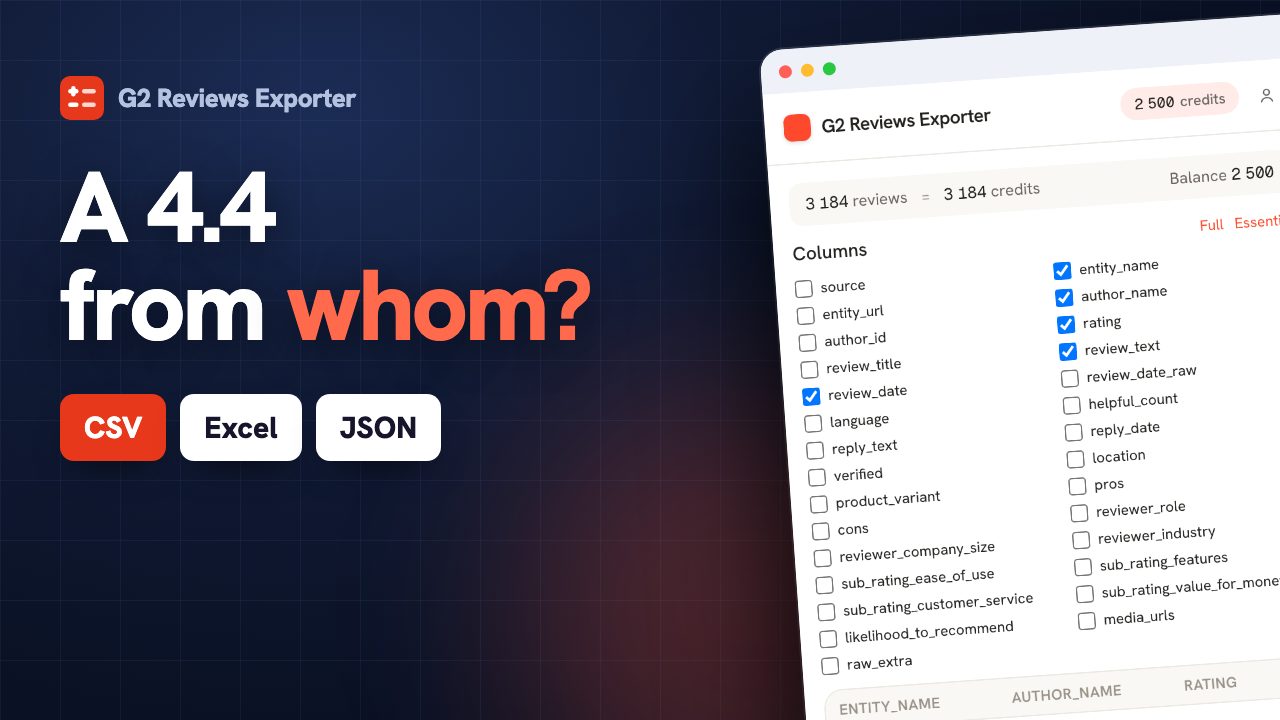
The question a star average cannot answer
G2 is unusual among review platforms because it publishes who is speaking. Each review carries the reviewer's role, the size of the company they work at and their industry. That turns a flat list of opinions into something you can cross-tabulate, and it is the difference between knowing a product scores 4.3 and knowing that its enterprise buyers score it a full point lower than its small-business ones. That gap is the single most useful fact in a B2B buying decision, and it is invisible on the product page: G2 shows the aggregate, not the split. Sales teams use it to know which segment to defend, product teams to know which complaints come with scale, and buyers to find reviewers who look like them before trusting a single word.
| Company size | Reviews | Average | vs overall |
|---|---|---|---|
| Small-Business (≤50) | 128 | 4.7 | +0.4 |
| Mid-Market (51-1000) | 96 | 4.3 | 0.0 |
| Enterprise (>1000) | 54 | 3.5 | -0.8 |
Export G2 reviews in three steps.
Open a G2 review page
Browse to the G2 page whose reviews you want. You stay logged in with your own session.
Click the ExportReviews icon
The side panel detects the page, shows the entity and the number of reviews, and lets you pick filters.
Preview, then export
Reviews load into a live preview. Export to CSV, Excel (XLSX), JSON in one click, generated locally.
Fields exported from G2.
Only fields G2 actually exposes, to CSV, Excel (XLSX), JSON. We never invent data.
Why export G2 reviews.
G2 reviews carry firmographics most platforms lack, which is what makes them valuable for B2B research. In a spreadsheet you can find the feature gaps competitors get criticised for, segment sentiment by company size or industry, and pull real language for your own messaging.
Competitive feature-gap analysis
Read a competitor’s cons in one column to see where their product frustrates buyers.
Segment by firmographics
Filter sentiment by company size or industry to see who a product actually fits.
Mine pros and cons for messaging
Use the exact words buyers use to sharpen positioning and battle cards.
Built for product marketing, competitive intelligence and B2B research teams.
What the analysis reads on G2.
G2 is the source where the analysis has the most to work with, because it publishes who is speaking. The panel compares ratings by company size, by industry and by reviewer role, which is the question a star average can never answer.
- Average per company size: does this product disappoint enterprises and delight small teams?
- Average per industry, so you see where a tool actually fits.
- Separate themes for the pros and the cons, taken from G2's own split.
One balance across every exporter.
1 credit = 1 row. Start free, no account. Credits never expire.
Insights
$14.99/moThe full analysis of the reviews you extract: what stands out, the breakdown by segment and by criterion, the recurring themes, and a shareable report you can export.
Adds to any plan and does not replace one: Insights analyses, it does not export rows. Everything is computed on your own machine. Included in Agency.
Learn G2 review export.
G2 vs Capterra: which reviews should you export?
G2 and Capterra both host software reviews, but the exported data looks different. Here's how the fields compare and which platform fits your use case.
GuideHow to Export G2 Reviews to CSV (for Competitive and Product Research)
How to get G2 software reviews into a spreadsheet, what the pros/cons structure gives you, and how to use a competitor's reviews to sharpen your own product and positioning.
G2 export, answered.
Does the export really include company size and industry? +
Yes, both, plus the reviewer's role, because G2 publishes them on each review. This is the platform's distinguishing feature and the reason a G2 export supports segmentation that no other review source allows.
Are pros and cons kept in separate columns? +
Yes. G2 asks reviewers to answer what they like and what they dislike as separate questions, and the export keeps that split. It matters because the separation comes from the reviewer, not from a sentiment model applied afterwards to a blob of text.
Can I export a competitor's G2 page? +
Yes, these are public product pages, and competitive intelligence is the most common reason people do it. Work at the level of themes and segment averages rather than compiling profiles on named reviewers.
How do I export G2 reviews to CSV? +
Install the ExportReviews extension, open a G2 review page, click the icon, then click Export CSV. The file is built in your browser.
Where does my data go? +
Nowhere. Extraction happens in your browser and the export file is generated locally. The backend only tracks export credits, never review content.
Which formats are supported? +
CSV, Excel (XLSX), JSON. CSV uses a UTF-8 BOM so accents and emoji open correctly in Excel.
Is there a free tier? +
Yes. The first 25 exported rows are free, without an account. Credits bought afterwards do not expire and are shared across every ExportReviews exporter.